
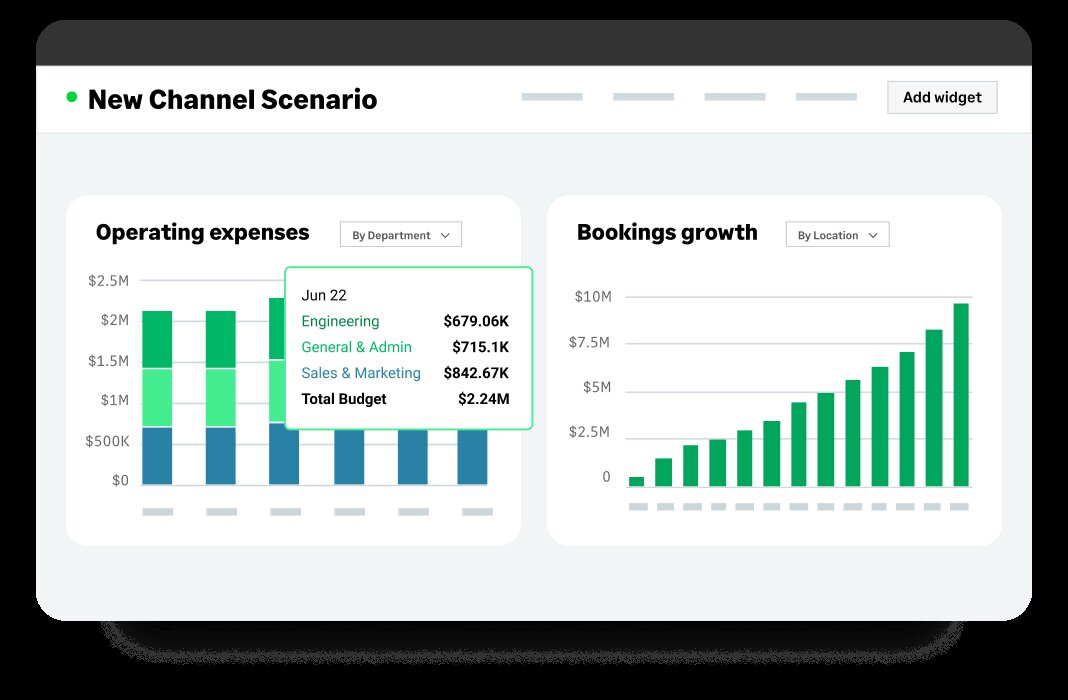
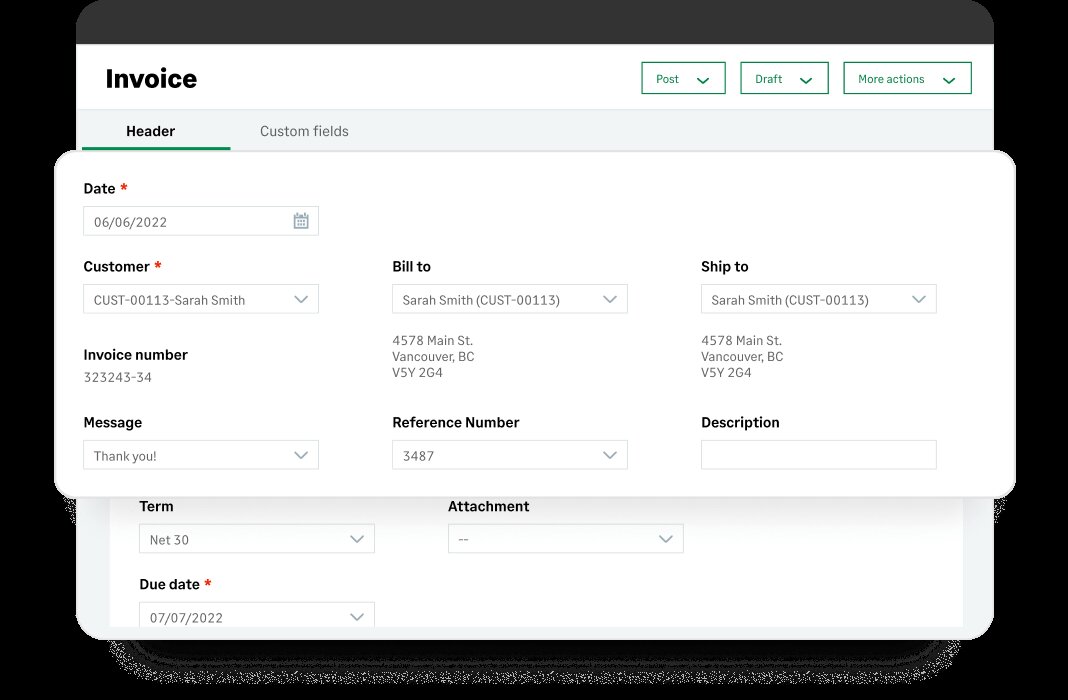
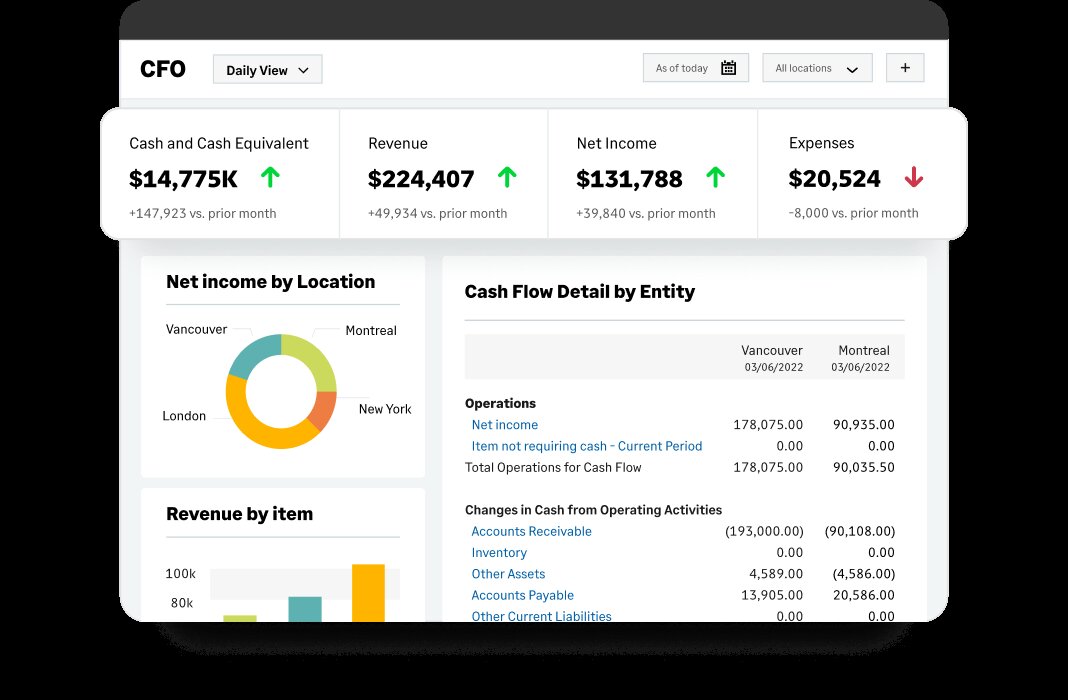
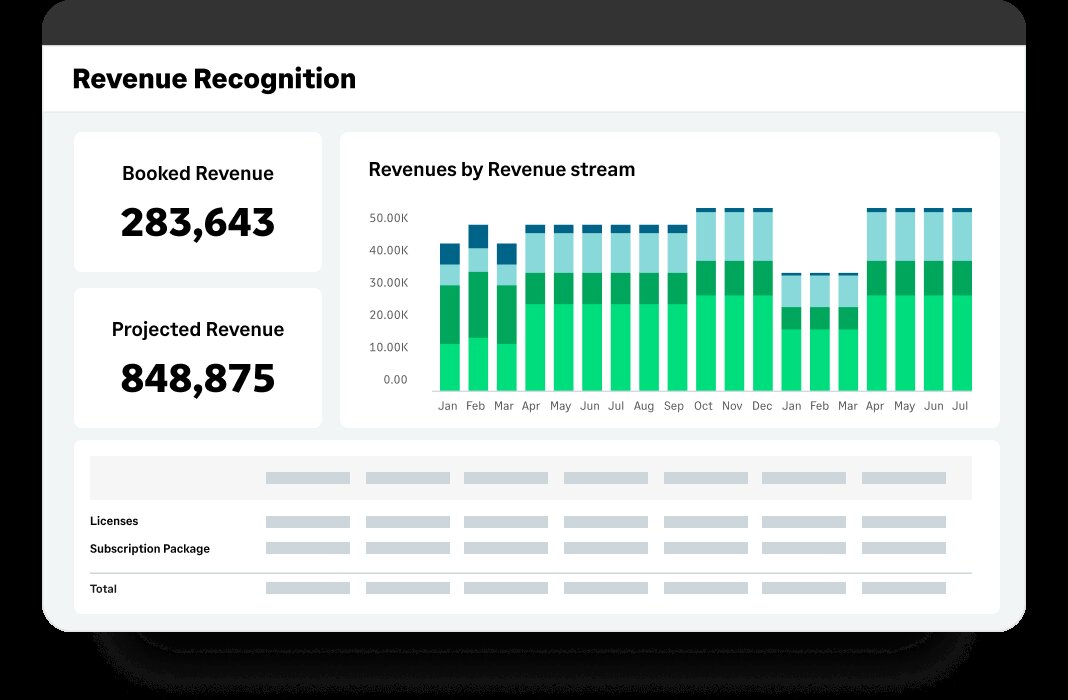
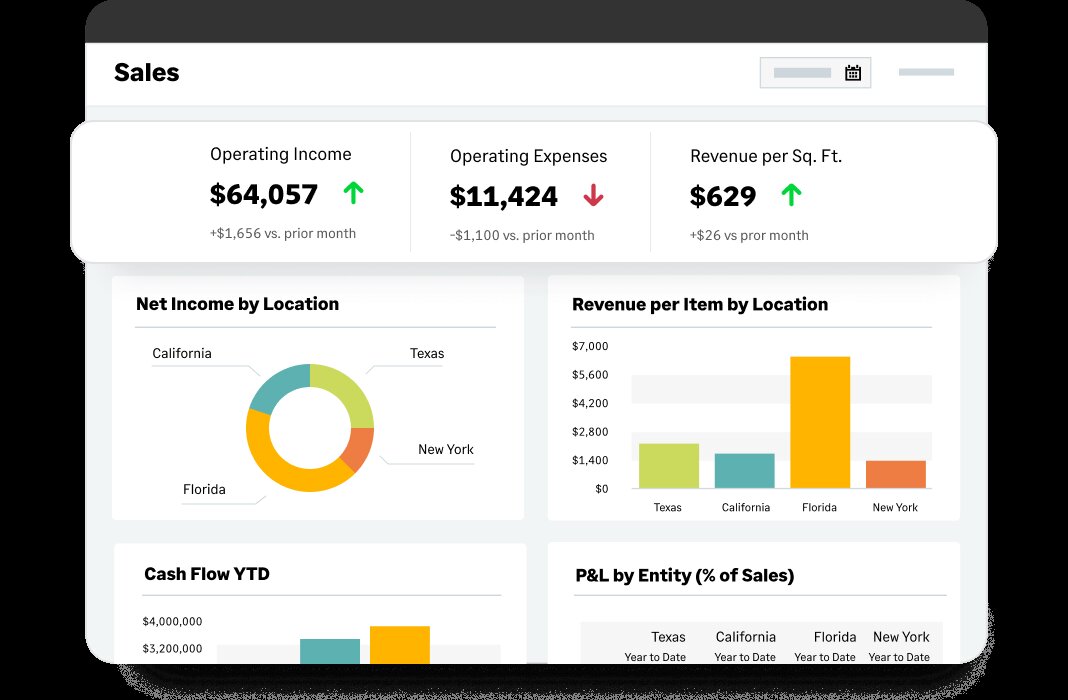
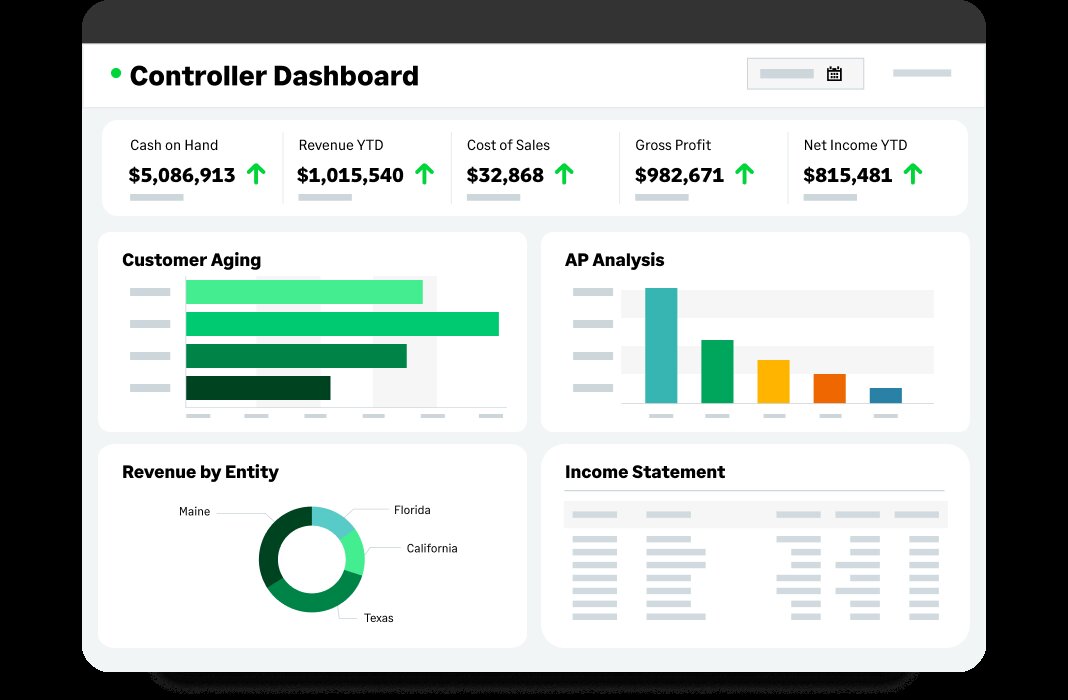

Sage Intacct is a scalable financial platform designed for small to medium-sized businesses.
Endorsed by the AICPA, it offers accounting features like payroll, tax filings, and inventory tracking. Users appreciate its ease of use, multi-dimensional reporting, and dedicated support.
As part of the broader Sage accounting product family, including Sage 50 (the successor to Sage Instant Accounts) and Sage Accounting (formerly Sage One), Intacct stands out as Sage’s flagship cloud financial management software for organisations that need deeper automation and more flexible reporting.
Sage Intacct now incorporates expanded AI-driven capabilities, including Sage Copilot, which delivers real-time variance analysis, guided workflows, and faster month-end closes.
Delivered via the cloud, Sage Intacct reduces IT and operating costs and delivers a far lower total cost of ownership than client-server financial software.
Teams can access core financials, reporting, and approvals securely from anywhere, which makes it easier to manage multi-entity or distributed operations.
Designed to work with other key business applications and pre-integrated with leaders like Salesforce CRM, Sage Intacct encourages organizations to select and deploy best-of-breed applications.
With its open API, Intacct offers further integration options, allowing users to customize the platform to meet their specific needs.
This includes connecting payment processors, budgeting tools, industry-specific systems, and existing Sage products, helping businesses transition from tools like Sage 50 or Sage Accounting when they outgrow basic functionality.
While both Intacct and QuickBooks are accounting software solutions, they cater to different business needs. Sage Intacct offers more advanced features such as multi-entity consolidation, real-time reporting, and greater scalability, making it suitable for growing businesses that need comprehensive financial management tools.
In a nutshell, QuickBooks supports early-stage companies, whereas Intacct is designed for organisations that need stronger financial controls, audit trails, and customisable reporting.
Sage Accounting is designed for small businesses needing basic accounting functions, while Sage Intacct is a more comprehensive, cloud-based financial management solution offering advanced features such as multi-dimensional reporting, automation, and scalability for growing businesses.
Essentially, Sage Accounting works well for freelancers and small teams, whereas Intacct suits companies ready to centralise multi-entity accounting, approvals, and reporting in one system.
Yes. Sage Intacct is ideal for growing SMEs with over $4M in revenue or 20+ employees. For smaller businesses, Sage 50 is a popular alternative as it caters to simpler accounting needs with its on-premises solution.
To get Sage Intacct certified, you can attend a four-day implementation course and certification program available through the Sage Intacct Learning Center. Advanced classes are also available for further learning. For more on this, check out the Sage Intacct training FAQs.

Download exclusive feature and pricing data with your free extended profile of Sage Intacct .
DownloadUpdate the Sage Intacct profile with your latest feature, screenshots and pricing to reach more buyers. Click the link below to get started.
Update this profile
All you need to know construct a foolproof ERP RFP, including a customizable template

Key insights on CMMC compliance, deadlines, and securing DoD contracts with CMMC 2.0 certificatio...

The most important ERP selection criteria you should keep in mind during your selection process.
Pricing Guide
Download your pricing guide by completing the form below.
Price Quote
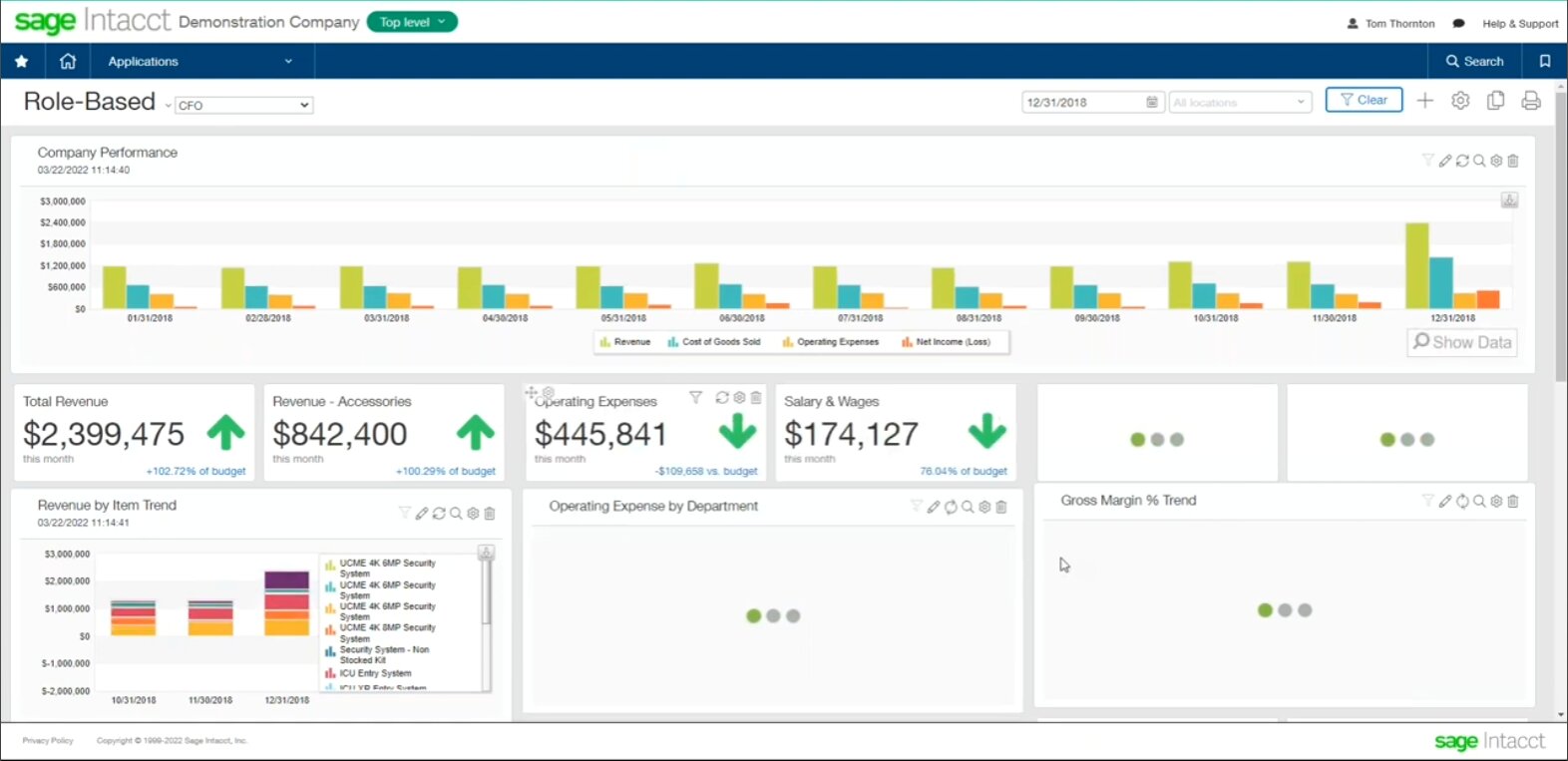
Complete the form below to access a video demo of this software.
Other Users often Compare these Four Solutions
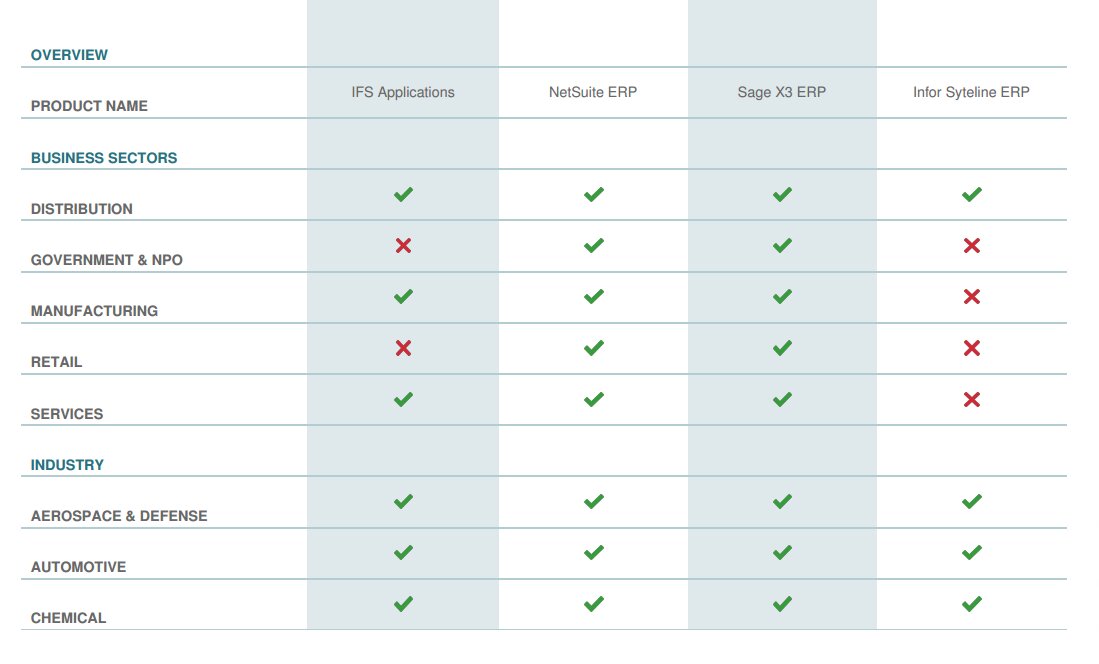
Download your bespoke report in a single pdf.
Extended Software Profile
Get your extended software profile by completing the form below.
Extended Software Profile